top of page

Mobile App


How to Use Chat in the Mobile App - Employee View
Learn how to use Chat in the HydroApps mobile app to communicate with staff and groups. This tutorial covers starting conversations, creating and managing group chats, sending messages and attachments, customizing notifications, and using read receipts to stay connected with your team.


How to Submit a Support Request
Learn how to submit a support request in HydroApps. This quick tutorial walks you through reporting an issue, asking a question, or requesting a feature or enhancement. See how to add details, upload screenshots or screen recordings, select the appropriate module, and submit your request to our support team.

Logging Into the Mobile App
Learn how to log into the HydroApps mobile app using your existing account credentials. This guide covers signing in, accessing your assigned tools, automatic facility access, and managing secure mobile login options.
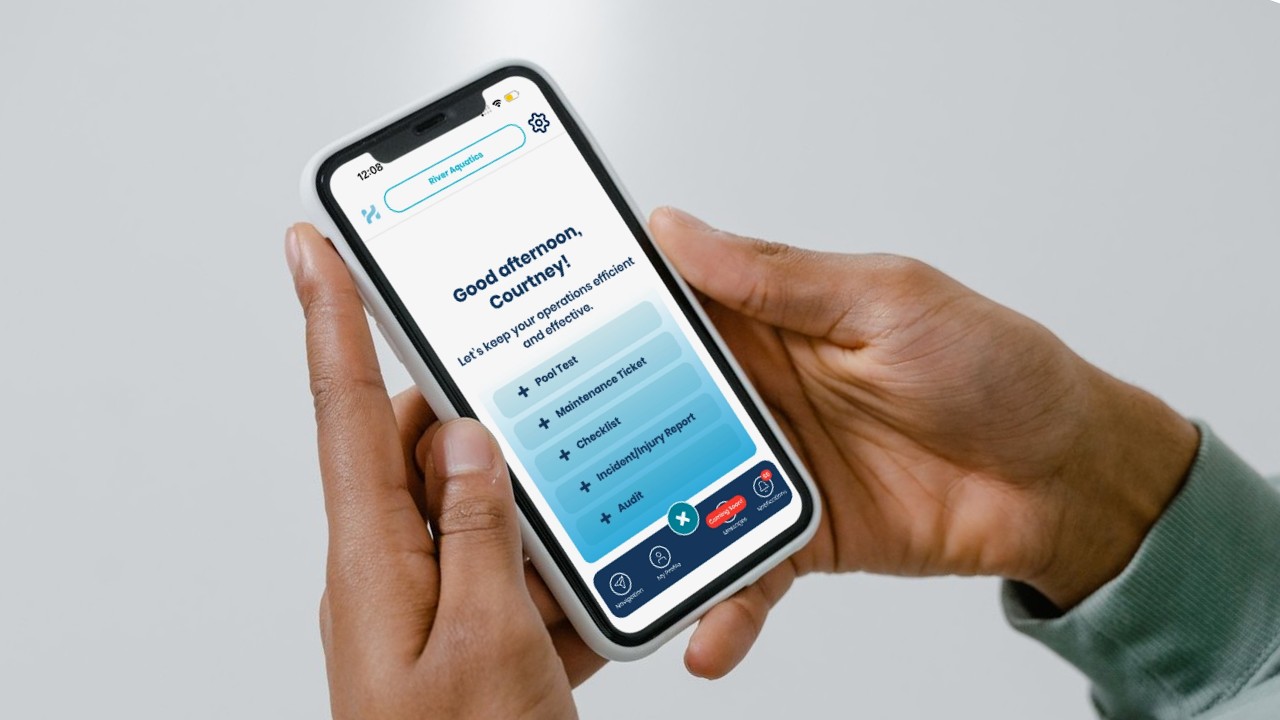
Navigating the Mobile App
Learn how to navigate the HydroApps mobile app and access the tools your aquatic team uses every day. This guide covers facility selection, scheduling, notifications, profile management, certifications, and quick operational inputs designed for frontline staff and supervisors.
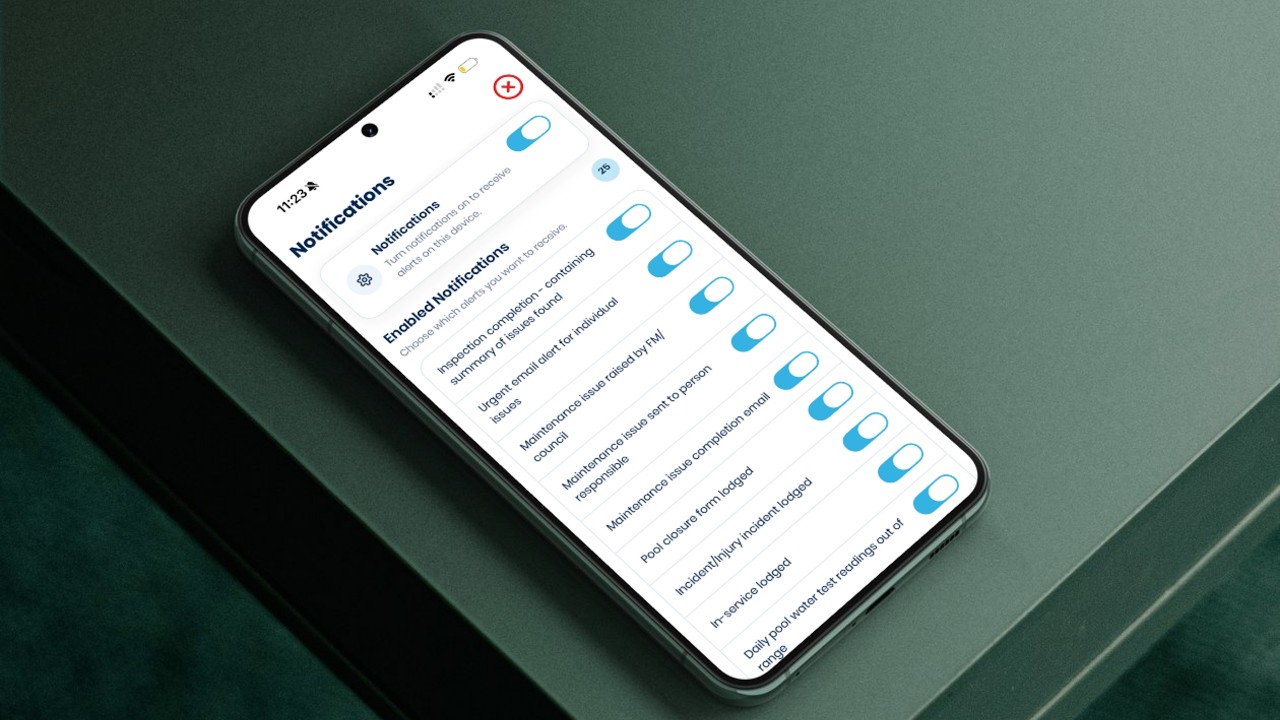
Setting Up Mobile App Push Notifications - For Managers
Learn how to configure and manage push notifications in the HydroApps mobile app. This guide covers enabling notifications by user role, customizing alerts for individual staff members, managing mobile notification settings, and improving real-time operational communication across your facility.

Managing Push Notifications in Mobile App - For Staff
Learn how to enable and manage push notifications in the HydroApps mobile app. This guide covers notification settings, alert types, administrator permissions, viewing notifications, and staying informed about operational activity in real time.

Using the Scheduling Dashboard in the Mobile App
Learn how to use the HydroApps mobile Scheduling Dashboard to quickly view upcoming shifts, scheduled hours, pending shift changes, open shifts, and availability tools all from one convenient mobile screen.

Viewing Your Schedule in the Mobile App
Learn how to view schedules, open shifts, and substitution requests using the HydroApps mobile app. This guide covers accessing your schedule, filtering shifts by facility or position, reviewing team schedules, and finding available shifts directly from your phone.
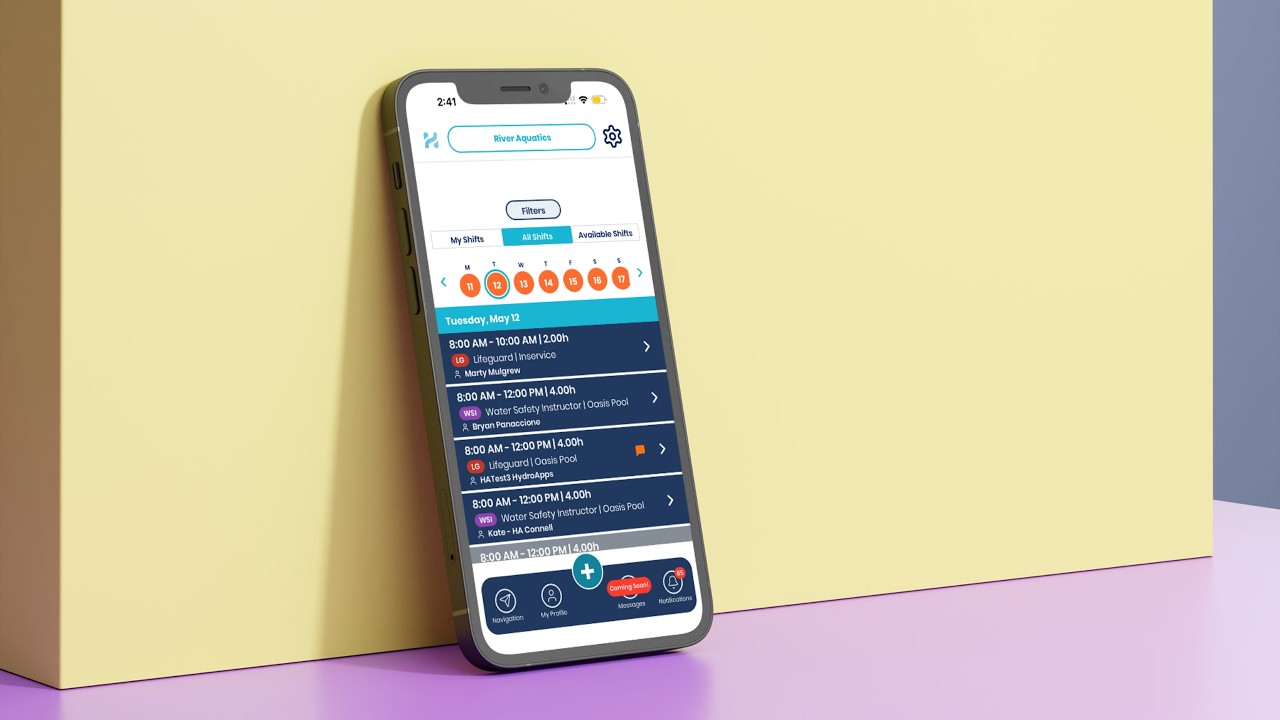
Picking Up Open & Substitution Shifts in the Mobile App
Learn how to pick up open shifts and substitution requests using the HydroApps mobile app. This guide covers browsing available shifts, accepting substitution requests, requesting open shifts, viewing pending approvals, and managing schedule changes directly from your phone.
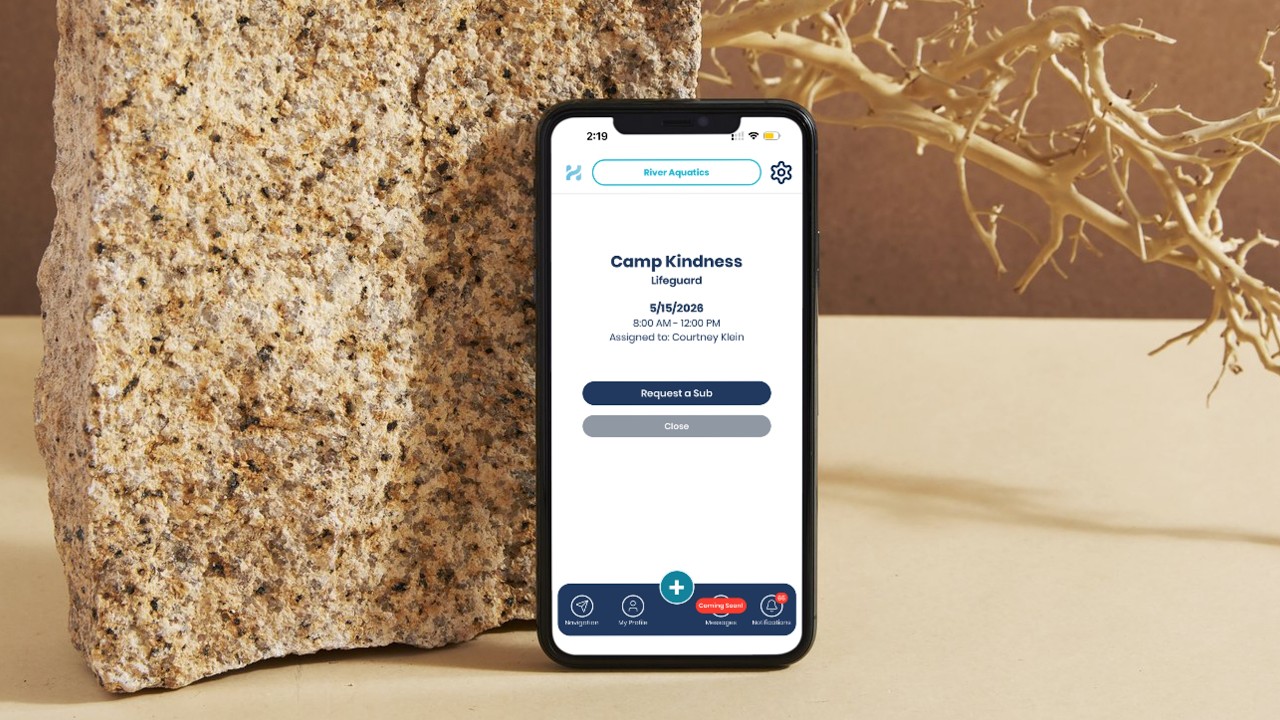
Shift Sub-Requsts in the Mobile App
Learn how to request shift substitutions using the HydroApps mobile app. This guide covers posting shifts for coverage, adding notes, selecting suggested replacements, and managing substitution requests directly from your phone.

Submitting Time Off Requests in the Mobile App
Learn how to submit and manage time off requests using the HydroApps mobile app. This guide covers full-day and partial-day requests, editing submitted requests, tracking approval status, and managing schedule changes directly from your phone.

Submitting Staff Availability in the Mobile App
Learn how to submit and manage staff availability using the redesigned HydroApps mobile app scheduling system. This guide covers setting date ranges, selecting shift times, creating recurring availability, updating schedules, and managing availability directly from your phone.
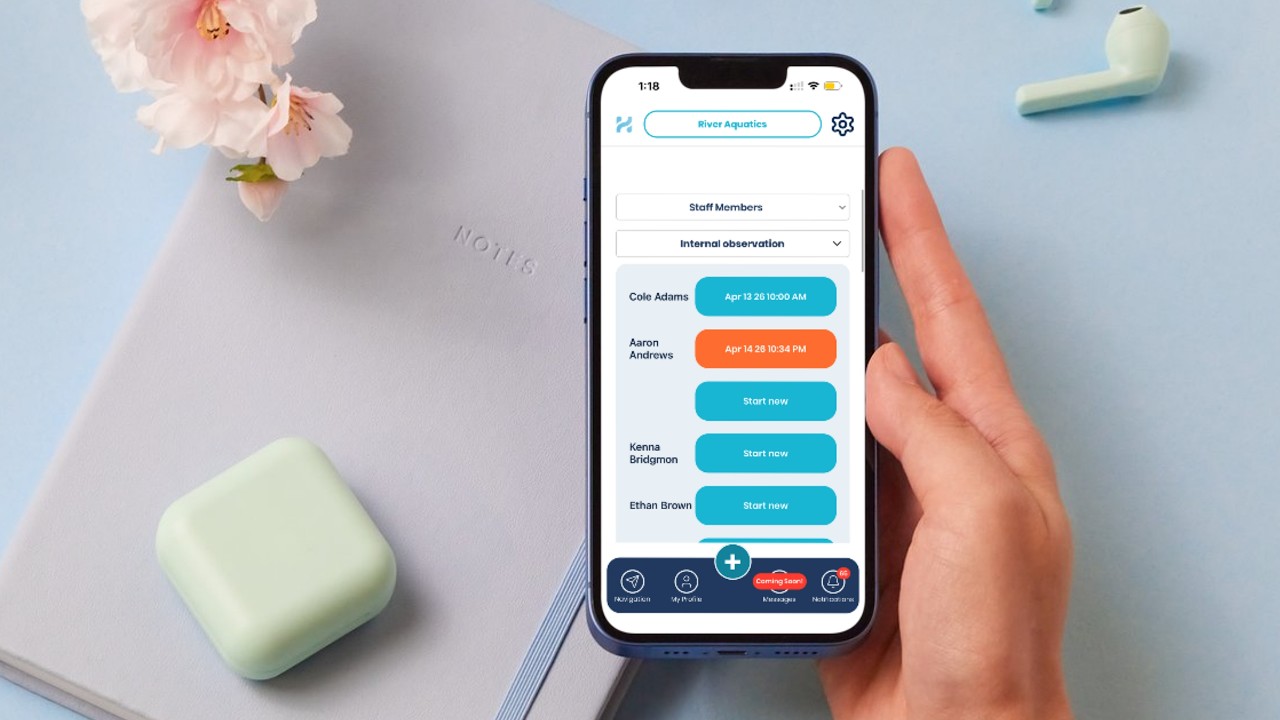
Logging Staff Audits in the Mobile App
Learn how to complete staff audits and evaluations using the HydroApps mobile app. This guide covers selecting employees, tracking audit status, completing observations and skill evaluations, submitting audits, and reviewing in-progress evaluations directly from the field.

Completing Forms in the Mobile App
Learn how to complete and submit forms using the HydroApps mobile app. This guide covers starting new forms, entering participant information, submitting swim tests and custom forms, receiving notifications, and managing in-progress submissions directly from your mobile device.

Logging Maintenance Tickets in the Mobile App
Learn how to quickly log and manage maintenance tickets using the HydroApps mobile app. This guide covers creating tickets, assigning staff, marking urgent issues, adding photos, receiving notifications, and tracking maintenance updates directly from your mobile device.
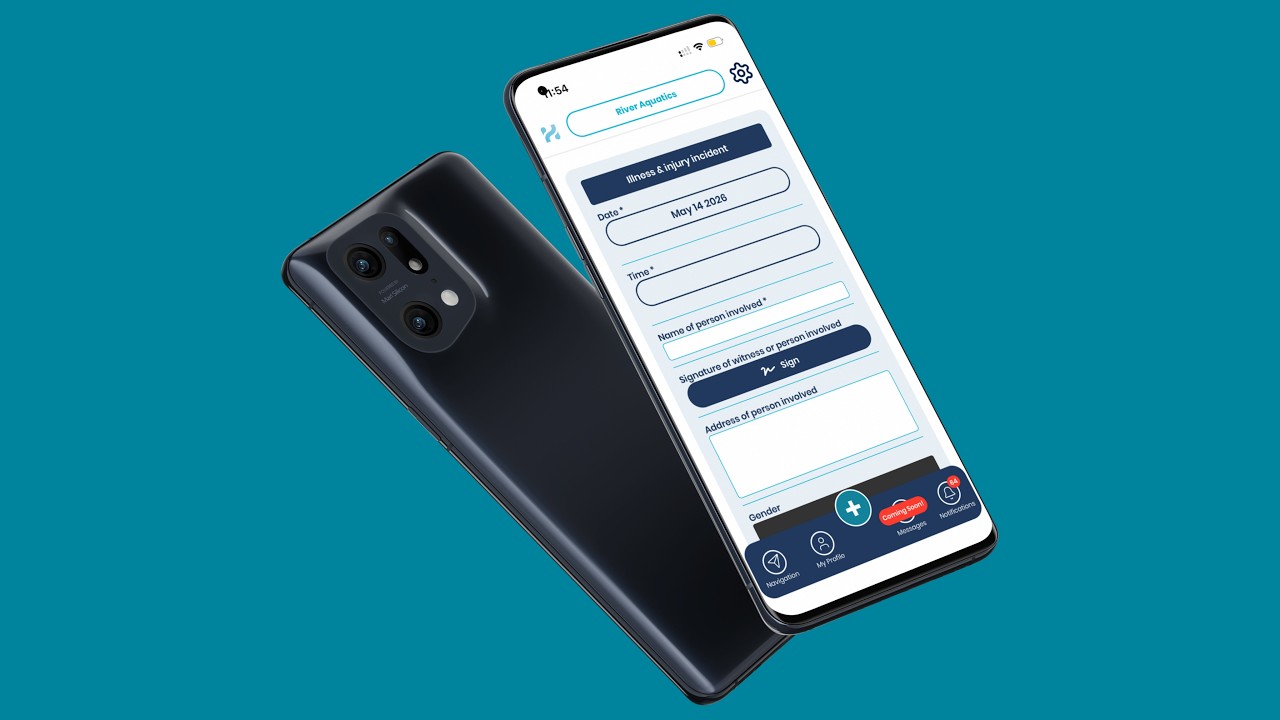
Logging Incident & Injury Reports in the Mobile App
Learn how to quickly document incident and injury reports using the HydroApps mobile app. This guide covers submitting reports, using the body injury selector, completing required fields, receiving notifications, and managing in-progress reports directly from your mobile device.

Logging Pool Tests in the Mobile App
Learn how to log pool tests quickly and accurately using the HydroApps mobile app. This guide covers entering chemistry readings, receiving out-of-range alerts, logging chemical adjustments, calculating water balance, and finalizing pool tests directly from your phone.

Completing Facility Checklists in the Mobile App
Learn how to complete facility inspections and operational checklists directly from the HydroApps mobile app. This guide walks through starting checklists, documenting issues, assigning corrective actions, receiving alerts, and finalizing inspections from anywhere in your facility.
bottom of page