top of page


Knowledge is Power
Tips and tools for getting the most from HydroApps


Topics


_edited.jpg)

Recent Articles

Employee View: Getting Started with HydroApps
Learn to log in to HydroApps, update contact details, explore features, manage schedules, and access forms to streamline your workflow.

Employee View: Setting Your Availability
Learn to set availability in HydroApps, navigate the Schedule tab, add times, repeat days, and check employer restrictions.

Adding New Users
Learn to add users as an admin, set access levels, assign facilities, and manage permissions. Follow the steps carefully!

Employee View: Submitting Time Off Requests in HydroApps
This video shows how to request time off in HydroApps, navigate the Schedule, submit a request, and track its approval status.

Employee View: Managing Shift vs Time Off Requests
Learn to drop shifts, manage time off, navigate the dashboard, and understand shift vs. time off requests with ease.
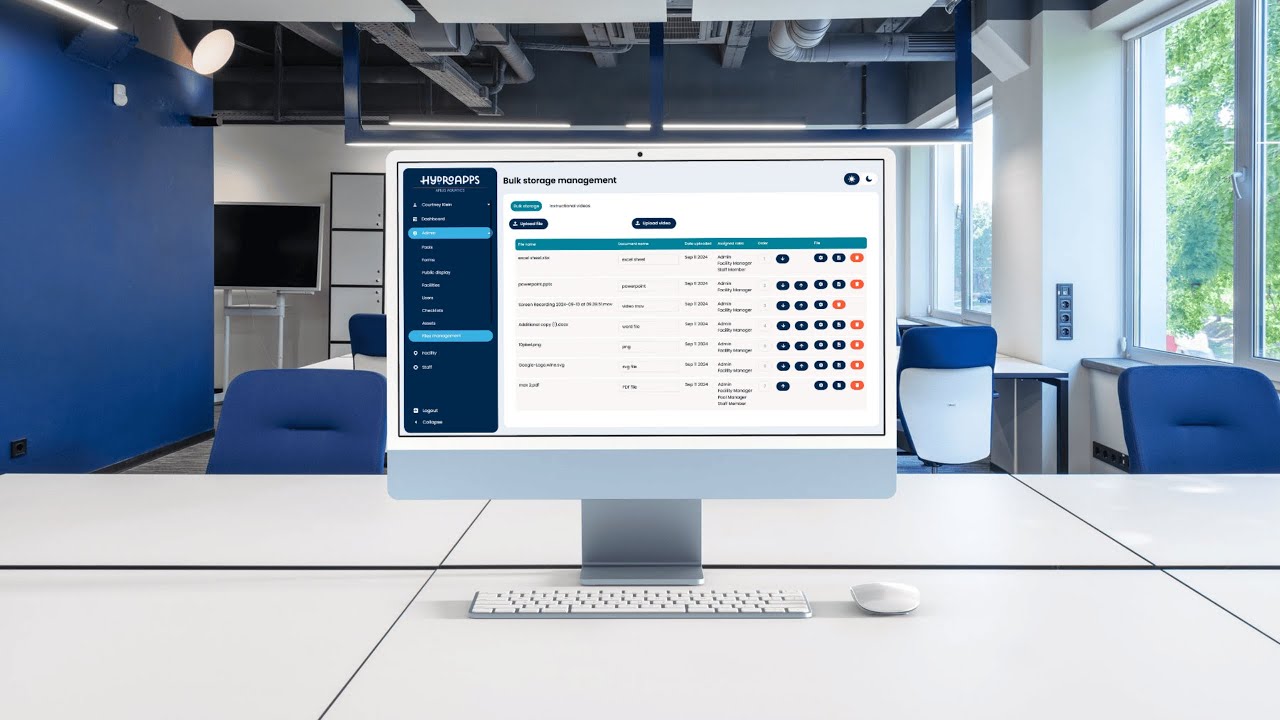
File Storage Overview
Keeping your facility’s files organized is key to maintaining efficiency. Whether you’re uploading documents, videos, or managing access,...

Setting up the Public Display
Easily set up a public display to share real-time pool data, announcements, and more, enhancing transparency and community engagement.
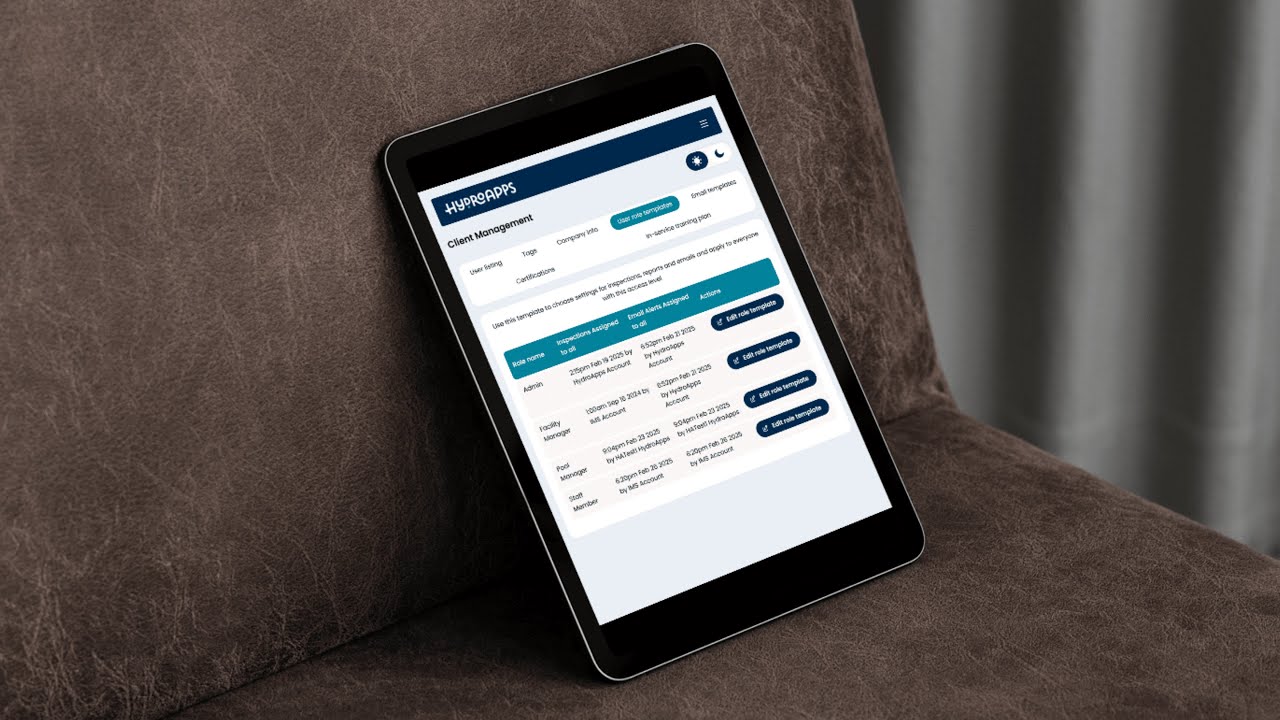
Understanding Access Levels
Simplify user access with five role levels, custom permissions, and email alerts to keep your team informed and workflows efficient.
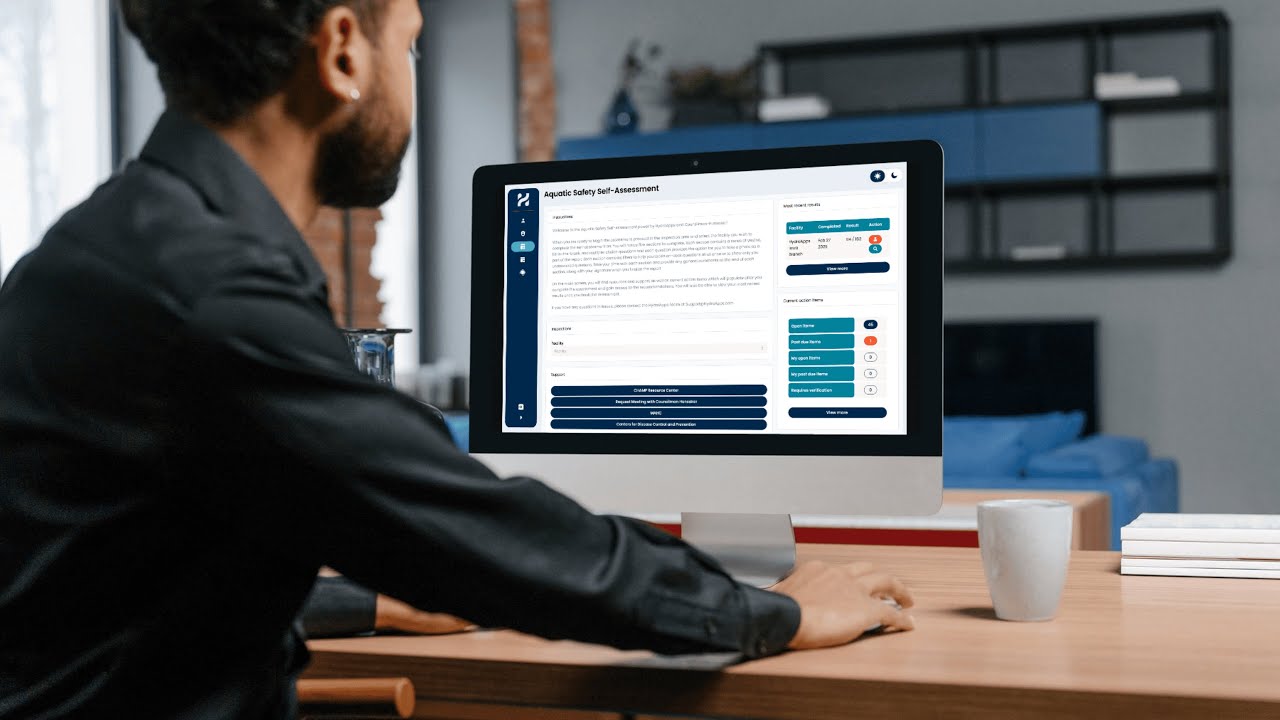
ASSA - Resources & Support
Resources and support tools designed to help you complete the assessment efficiently and act on the results.


ASSA - Adding New Users
Learn how to add users in the Aquatic Safety Self-Assessment system, assign access levels, & link them to facilities for seamless onboarding
bottom of page